3D models that
stay editable.
Every model in Procedural Mesh Studio is a small program. Its parameters stay live in the Studio and in your engine, and an AI assistant writes and reshapes the program with you.

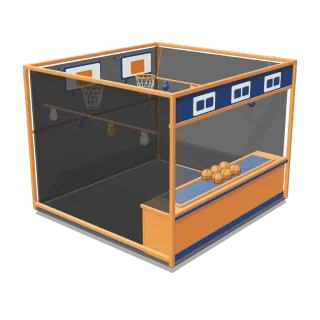
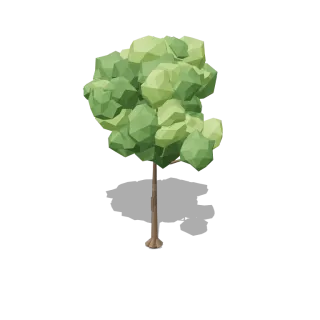
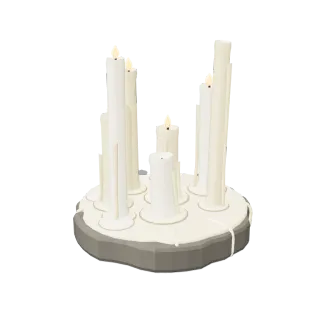
- Model
- Crystal
- Triangles
- —
- Rebuilt in
- —
- Seed
- —
- Engines
- Unreal · Unity · Blender
Change the model after it is made. In the editor, in the level, per instance.
A procedural model declares its own controls. Drop it in a level a hundred times and give each copy different values; the program rebuilds the geometry in milliseconds, and the same seed always gives the same mesh.
- Parameters, not polygons: sliders, choices and colours that make sense for that object.
- Variants for free: a new seed, a new look, without a new asset.
- Real meshes out: bake to engine meshes or export GLB when it is final.
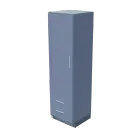
export const params = [ { id: "height", type: "range", min: 1.4, max: 2.4, default: 2 }, { id: "ventRows", type: "int", min: 2, max: 12, default: 6 }, { id: "glow", type: "range", min: 0, max: 3, default: 1.4 }, { id: "style", type: "select", options: ["a", "b"] }];export default function build({ THREE, params, kit }) { const locker = new THREE.Group(); // shell, doors, accent strips… for (let row = 0; row < params.ventRows; row++) { const slat = new THREE.Mesh(slatGeometry, metal); slat.position.y = 0.4 + row * gap; locker.add(slat); } return locker;}Describe it. Then point at the part you want changed.
Ask for a new model in plain words, or select a part in the viewport and say what should change. Every reply is applied, built and checked before you see it; a broken result is repaired, not handed over.
- Credits or your own key. Each reply shows what it cost.
- Edits, not rewrites. Changes land as small edits to the program, so what you tuned stays tuned.
- Checked geometry. Scale, floor, normals and budgets are audited on every build.
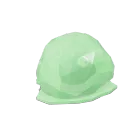
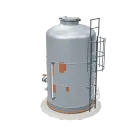
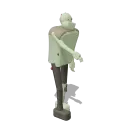
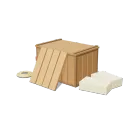
Start from over 1,200 models.
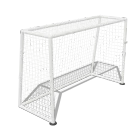
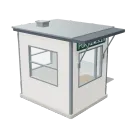
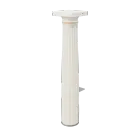
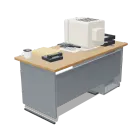
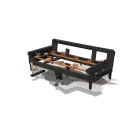
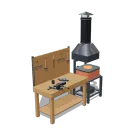
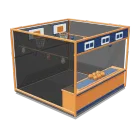
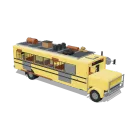
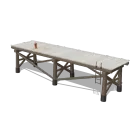
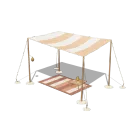
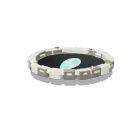
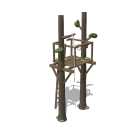
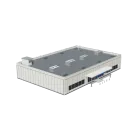
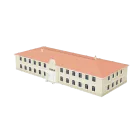
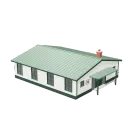
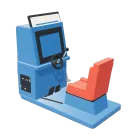
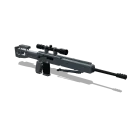
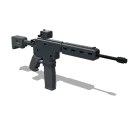
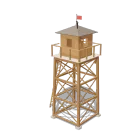
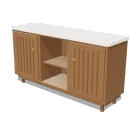
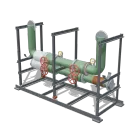
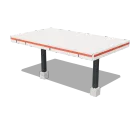
Props, buildings, vehicles, weapons, nature, creatures: every one a program with its own controls, ready to drop into a level and reshape. The library updates in the background; yours sits beside it.






























Live in the editor you already use.
Models stream into the engine with their parameters. A level opens without the Studio; when something needs new geometry, the Studio starts in the background, with no window.
Unreal Engine
- Parameters in the Details panel, per placed instance
- Bake to Static Mesh with materials, lightmap UVs and collision
- Consolidate thousands of copies into instanced meshes
Unity
- The script's own controls in the Inspector
- Built-in, URP and HDRP materials, with glow
- Bake to a mesh asset or a prefab
Blender
- Parameters in the sidebar, rebuilt as you move them
- Custom normals, UVs and one material per section
- Apply to keep an ordinary mesh
Three steps, no export loop.
Pick or describe
Open a model from the library, or ask the assistant for a new one.
Shape it
Move its sliders, nudge a part in the viewport, or ask for a change. It stays a program.
Send it
One click to Unreal, Unity or Blender, with its parameters live; or a GLB for anything else.